
Fill Timesheets to the Expected Hours
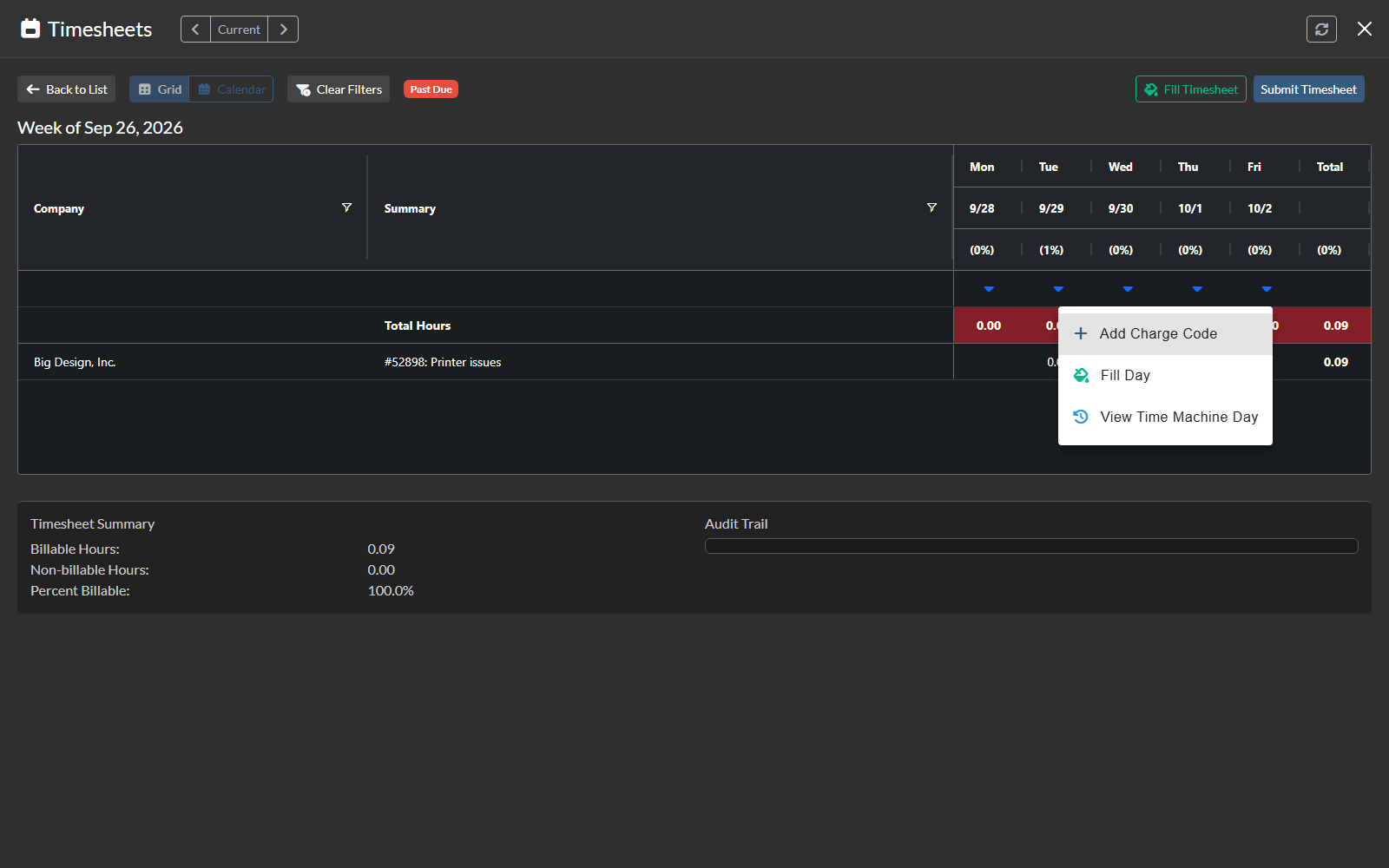
Some organizations need every timesheet filled to the expected working hours. An administrator can now turn on Timesheet Fill in Settings -> My Tickets, and the Timesheets dialog then offers Fill Timesheet next to Submit Timesheet (in the grid and the calendar) and Fill Day in a day’s + menu, on open and rejected timesheets.
Fill first shows a preview of the time entries it would create. Leave any entry out, charge them to another charge code or a ticket, then press Create. Nothing reaches ConnectWise before you confirm, and the entries are created with your own ConnectWise access.
- Fill Method: Remainder creates one entry for the time still missing: with office hours of 9:00 AM to 5:00 PM and 6.25 hours recorded, a 1.75-hour entry goes in the first free stretch that holds it. Every gap creates an entry for each free stretch between your time entries, to the minute.
- Day Frame: Office hours measures each day by your ConnectWise office calendar, skipping days off and holidays. Check-in window measures it from your check-in to your check-out instead.
- Check-in and check-out: your first work-location choice of the day is your check-in, and going Gone for the day (or another Off type, or PTO) is your check-out. A missing time can be entered in the preview.
- Default Fill Target: the charge code or ticket the entries go to, with its work type, work role, billable option and notes.
Days after today are never filled, and today is filled only up to now, stopping at a ticket in progress. Managers and administrators can fill the timesheet of the member shown.