
Set the calc rule
The Time Machine records one state for each moment. When a member has a ticket In Progress and is also marked Lunch, AFK, Off or PTO, the calc rule decides which one that moment counts as.
- Open MENU and click Set Calc Rule.
- Choose:
- In Progress (default): the moment counts as In Progress;
- Unavailable: the moment counts as Lunch, AFK, Off or PTO.
- Click Close. If you changed the rule, the page reloads with it.
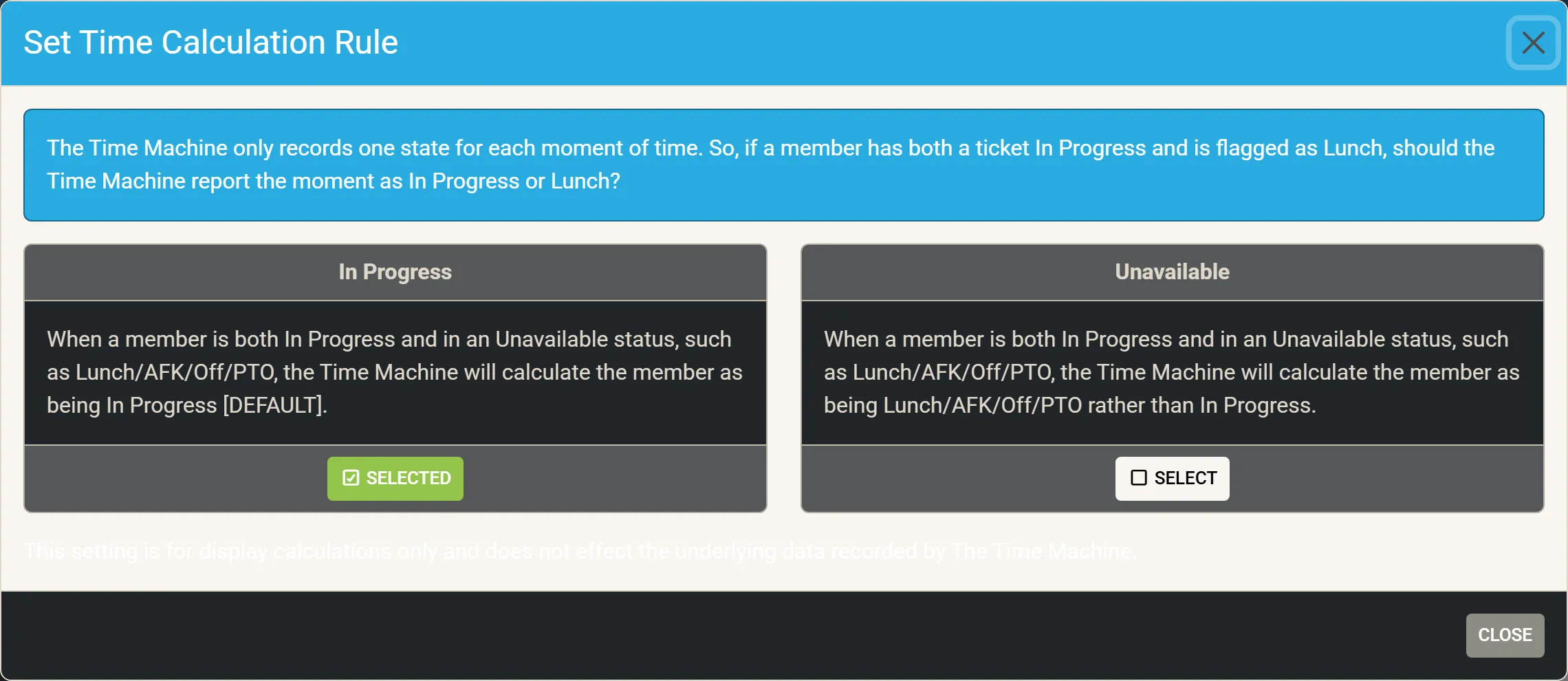
The rule changes only how the Time Machine draws and adds up the day; it does not change what was recorded.
Under the In Progress rule, a chip’s inner ring also leaves out an allowance for planned breaks: one sixteenth of the working day, at most 30 minutes, is taken off the unavailable part as drawn. Pointing at the part still shows the full time. The strips always draw every stretch at its full length.