
Revoke a connection
Revoking a connection stops the AI client at once: its next call is refused and it cannot sign itself back in. The connection stays listed, marked as revoked, and is never used again. To use that client again, connect it afresh.
Your own
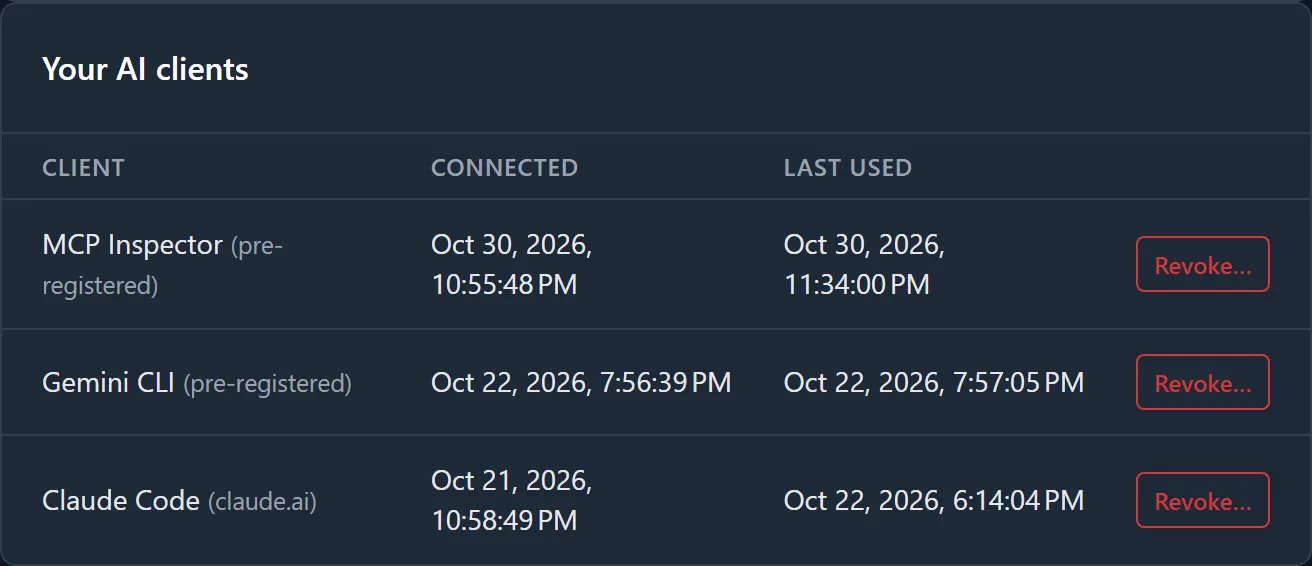
Section titled “Your own”- Sign in at my.nilear.com and open Account, then AI Clients.
- Under Your AI clients, find the client. Each row shows the Client, when it was Connected and when it was Last used (Never if it has made no call).
- Click Revoke…, then Revoke to confirm, or Cancel.
Any member’s, as an administrator
Section titled “Any member’s, as an administrator”Administrators also see Every member’s AI clients, with a Member column, and can revoke any of them the same way. A member cannot revoke anyone else’s.
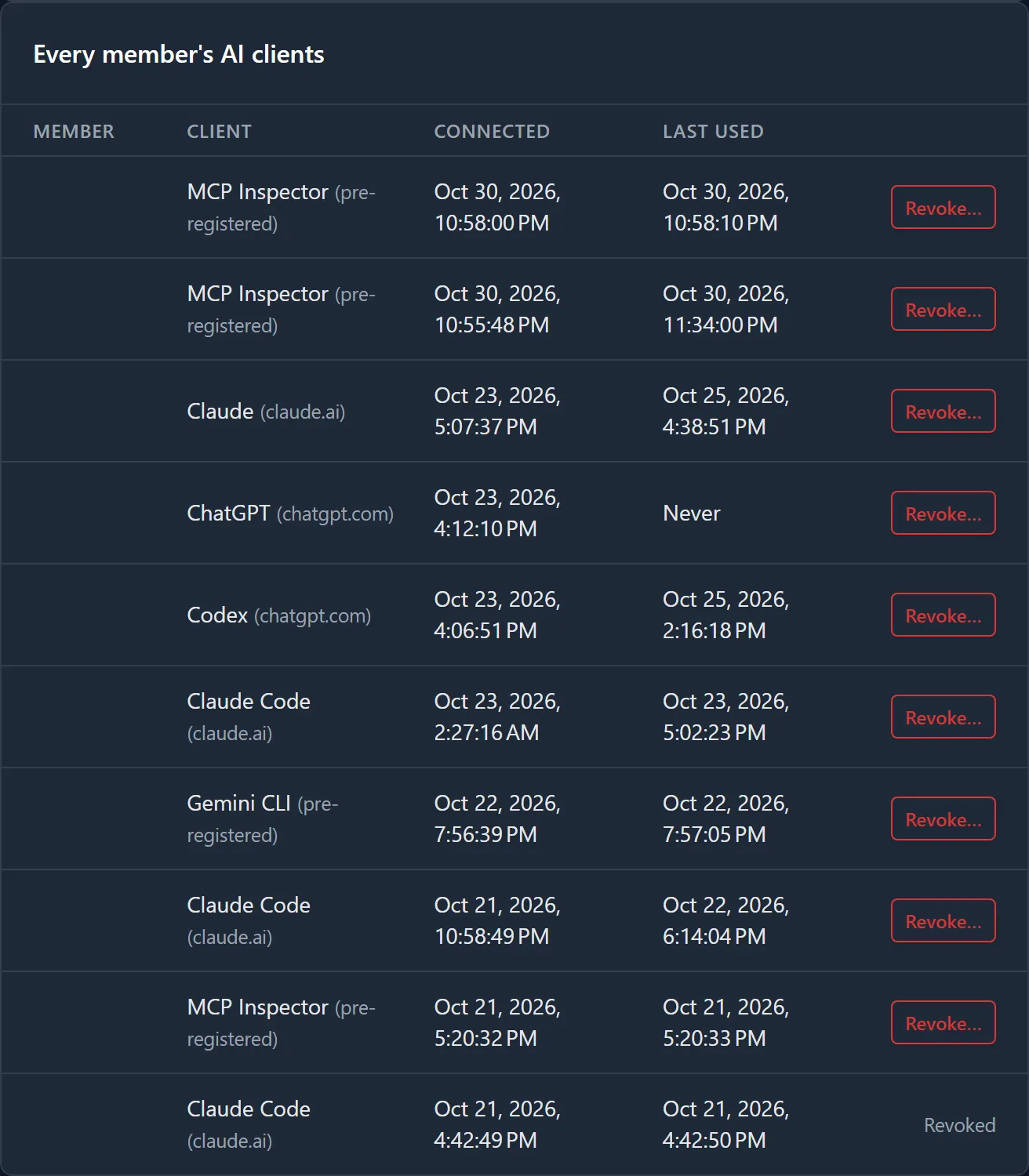
A revoked row says why: Revoked, Revoked by the administrator who did it, or Revoked: External AI switched off.
Other ways a client stops
Section titled “Other ways a client stops”- Switching External AI off revokes every connection in the PSA (how).
- Lowering a member to No Access, or their leaving the PSA, refuses every call from their clients while it lasts. Their connections stay listed until revoked.
- Signing out in the client ends that client’s sign-in, but the connection stays listed as live until you revoke it here.