
Exclude a company
Exclude a company when its tickets should never be indexed or advised on, for example a customer whose contract does not allow AI on their data. You need the Admin access level.
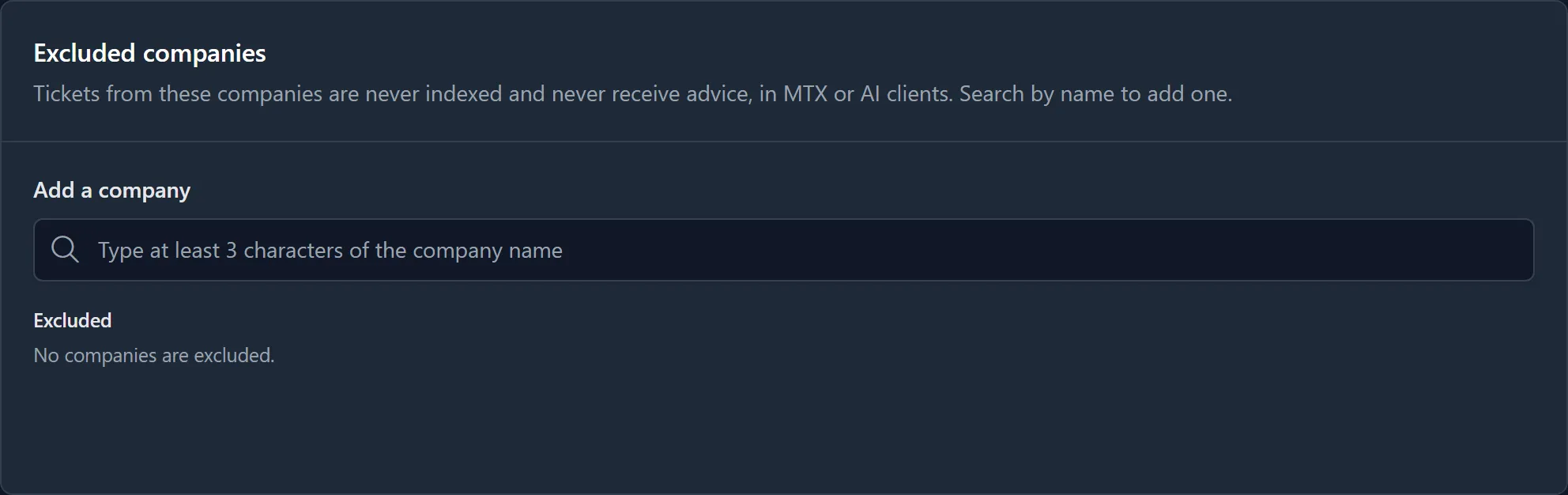
Add a company
Section titled “Add a company”- In Ticket Automation, open Support Advisor.
- In Excluded companies, under Add a company, type at least three characters of the company’s name.
- Click the company in the list of matches. It is saved at once.
Remove a company
Section titled “Remove a company”Click Remove beside the company. A company ConnectWise no longer has is shown as Unknown company and can still be removed.
What excluding does
Section titled “What excluding does”From the moment you exclude a company:
- its tickets are not indexed, by backfills or as they are worked;
- its tickets are not read automatically;
- a technician who asks about one of its tickets is told the company is excluded, and no advice is given;
- an AI client cannot read or advise on its tickets;
- backfill estimates leave its tickets out.
Excluding a company does not remove tickets of it that were indexed before. They stay in the searchable history and can still be cited as evidence on other tickets. Exclude a company before you index the boards its tickets are on if none of its tickets should ever be indexed.