
Choose on-site statuses
The On-sites needed layer shows open tickets in your on-site-needed statuses. Anyone can see which statuses they are; changing them needs the Manager or Admin Client Mapper level.
- On the Maps page, click On-site statuses (“Which ticket statuses On-sites needed shows”) to open it.
- Each active service board is listed with its statuses. Tick the statuses that mean a visit is needed.
- Click Save n statuses. Saved. On-sites needed shows them from its next read. confirms.
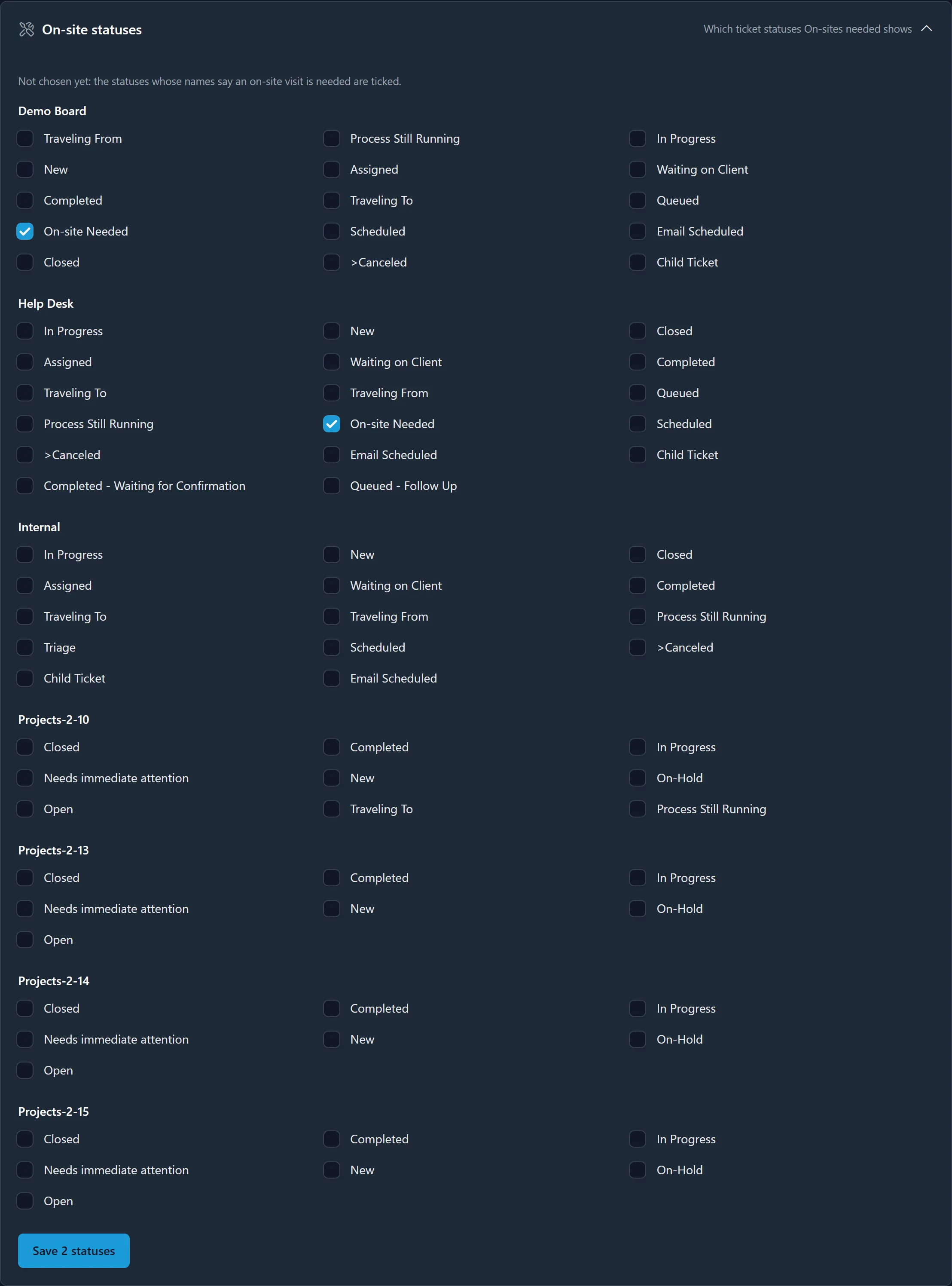
Until someone chooses, the card says Not chosen yet: the statuses whose names say an on-site visit is needed are ticked, such as “Onsite Needed”, “Needs On-site” or “Scheduling Required - Onsite”. Once chosen, it says who chose them and when.
Every change is recorded with the statuses and who made it. The Choose which statuses mean on-site needed link on an empty On-sites needed list brings Managers and Admins here.