
Map your boards' statuses
MTX moves a ticket’s status for the technician: to in progress when they start work, to completed when they finish, and so on. Each board has its own statuses in ConnectWise, so you tell MTX which one to use on each board. You need Nilear’s Admin access level.
- Open Settings, then My Tickets, at app.nilear.com.
- Scroll to Boards: Mapped Statuses.
- For each board, choose a status in each of the six lists. Each choice is saved as you make it.
| List | MTX uses it when |
|---|---|
| Default New Status | A ticket is new. With Always Ask for Status off, the New Ticket wizard sets it and skips its Status step. |
| Default Assigned Status | A ticket is assigned. |
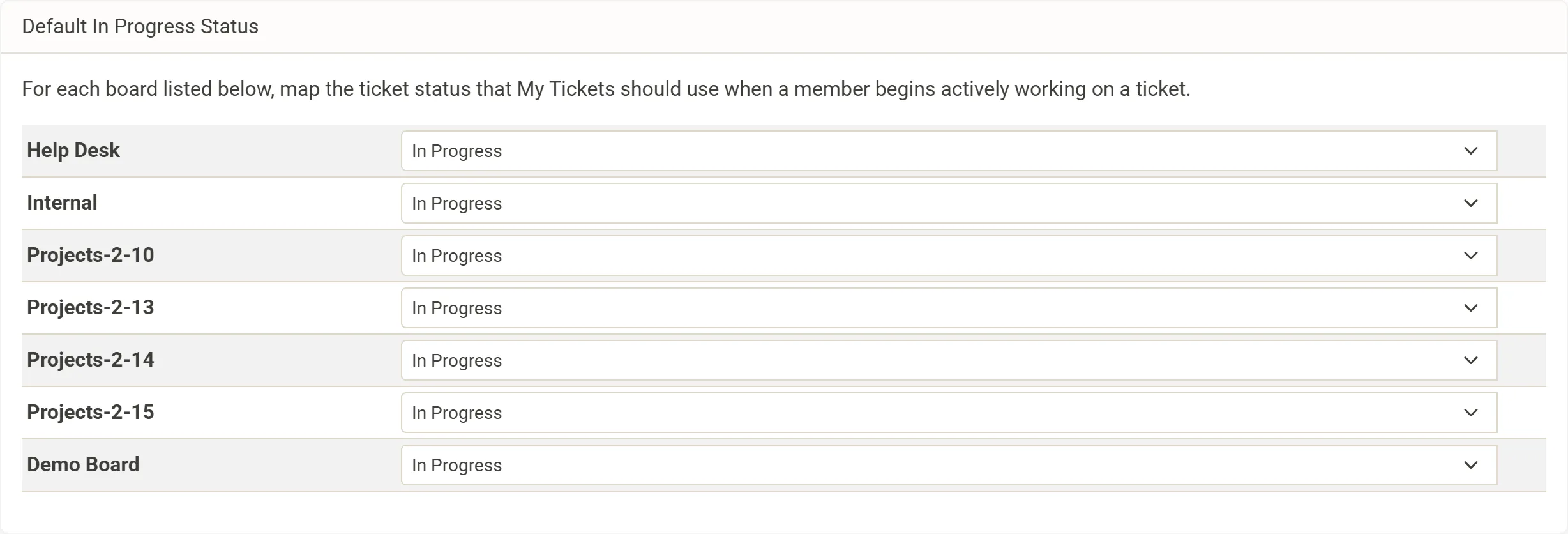
| Default In Progress Status | A technician starts working the ticket. A board without one is shown in red. |
| Default Waiting Status | A technician is waiting on the client before they can go on. |
| Default Completed Status | A ticket is completed or resolved. Nilear advises against a status flagged Closed in ConnectWise, such as “> Closed”. |
| Default Follow-Up Status | A technician needs to come back to the ticket once more, such as “On-hold”, “Review Pending”, “Pending Completion” or “Enter Notes”. |
Only boards that are active and whose Processing is on in Board Types are listed.
A board with no In Progress status
Section titled “A board with no In Progress status”When a technician starts work on a ticket whose board has no In Progress status, MTX tries the board’s default In Progress status, then the board’s first active status that is “In Progress” in its SLA escalation and allows time. When there is none, the ticket keeps its status and the technician is told that the board has no In Progress status, that time cannot be saved while the status does not allow time entries, and that an administrator can choose the board’s Default In Progress Status here.
Statuses that put a ticket on the queue
Section titled “Statuses that put a ticket on the queue”A status named Queued, or **Queued - ** followed by a reason (such as “Queued - Follow up”), puts a ticket on MTX’s queue when a ticket moves into it, from MTX or in ConnectWise. So does a status named *Dispatched. Other names, such as “Queued for Support”, do not. See The queue and targeting rules.