
Score My Team
Score My Team scores your technicians’ performance from what they do in ConnectWise, and gives them feedback as they work. It reads ticket audit trails, time entries and configurations, turns them into points, and ranks or grades each member week by week. You choose what is scored, how much each part counts, and who is scored together.
It runs in Nilear at app.nilear.com: open Score My Team from the home page.
How it fits together
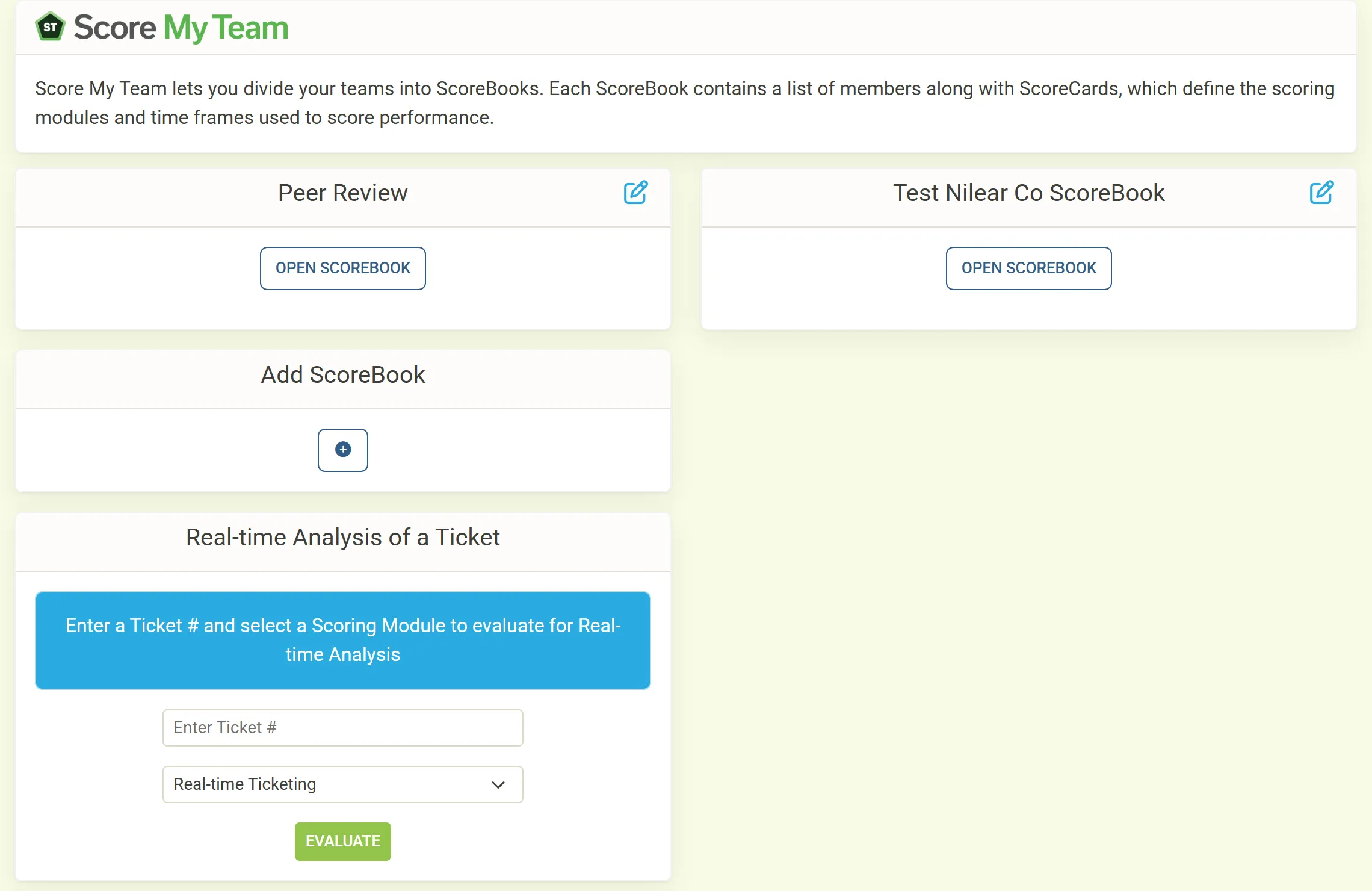
Section titled “How it fits together”- A ScoreBook is a team you score together, such as your Help Desk or your Project team. It lists the members it scores and its scoring method.
- A ScoreBook’s scoring method is either By Rankings (members ranked against each other) or By Individual Metrics (each member scored against goals, called Rocks).
- A ScoreCard is one stretch of a ScoreBook, usually a month of four or five weeks. It lists the scoring modules used in that stretch and the weight of each.
- A scoring module measures one thing: how real-time your team keeps ConnectWise, the time they record, their configurations, or their peers’ reviews. You can also create custom modules and enter their scores yourself.
The scoring modules
Section titled “The scoring modules”| Module | What it rewards |
|---|---|
| Real-time Ticketing and its variants | Putting information into ConnectWise as the work happens: tickets In Progress while worked, timely time entries, configurations attached. |
| Timesheets | Minutes recorded on Technical work types, billable and project time, with deductions for late timesheets and corrected entries. |
| Ticket Timesheets | Every minute recorded against tickets. |
| Work Types | Minutes recorded, weighted by each work type’s points per minute. |
| Configurations | Creating, updating and attaching ConnectWise configurations. |
| Peer Review and Configuration Review | Reviewing your peers’ work, or their documentation, and being reviewed. |
| Ticket Resolution | Completing tickets, with points lost when a closed ticket is reopened. |
| Custom modules | Anything you track yourself: sales, customer feedback, SLA. |
The full list, with what each module counts, is in Scoring modules.
Who it is for
Section titled “Who it is for”- Owners and managers set up ScoreBooks and ScoreCards, choose what is scored, and read every member’s scores.
- Technicians see their own scores, and their ScoreBook’s scores once a week has ended, and review their peers through Nilear Live.
Get startedFrom no ScoreBook to a first week of scores.
Real-time TicketingThe flagship module, and how to score well on it.
Read your scoresRanks, colors and the reports behind each score.
Score a help desk teamOne ScoreBook followed from setup to its first ranking.