
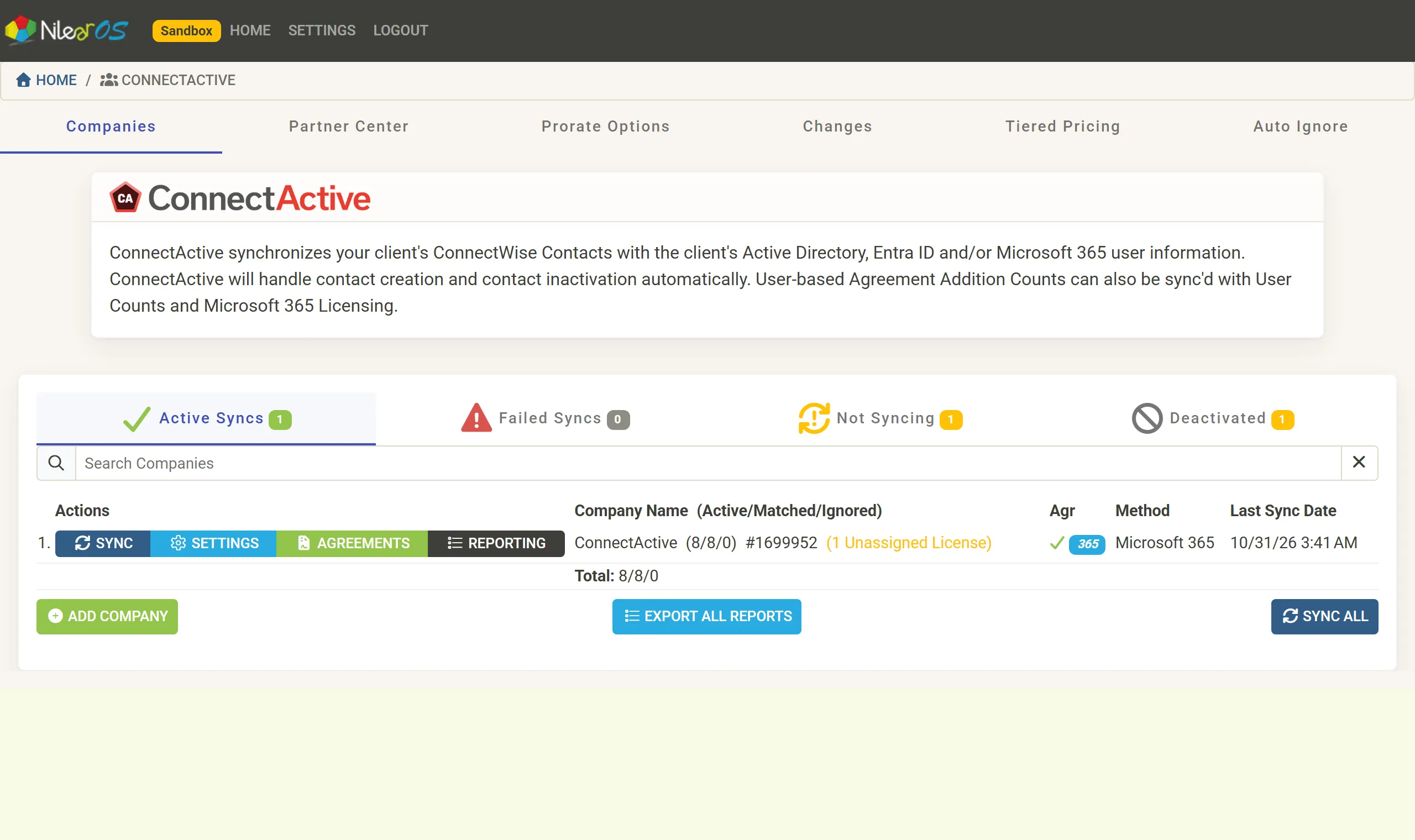
ConnectActive
ConnectActive synchronizes each client’s ConnectWise contacts with the client’s own directory: Microsoft 365 / Entra ID, Active Directory or Google Workspace. It creates a contact for each new user, deactivates the contact of a user who leaves, and keeps names, titles, email addresses and phone numbers up to date. It can also keep the count and the list of covered users on a ConnectWise agreement addition in step with the directory, so user-based billing follows the client’s real user and license counts.
What it does
Section titled “What it does”| Area | What ConnectActive does |
|---|---|
| Contacts | Creates and deactivates ConnectWise contacts as users join and leave; fills in first name, last name, title, email, phone and mobile; sets a contact’s site, Contact Types and custom fields |
| Agreement additions | Sets an addition’s count from all of a client’s users, a group’s members, the users of chosen OUs or a Microsoft 365 license, and writes the covered users on the invoice |
| Billing extras | Prorated additions for changes mid-period, prorated refunds, tiered pricing, minimum counts |
| Configurations | Optionally sets a workstation’s contact to the user who last logged in to it |
| Reports | Per-company user, license and change reports, a change list across all companies, and read-only reports for your clients |
Where its information comes from
Section titled “Where its information comes from”Each ConnectActive company has one or more sync sources:
- Microsoft 365 / Entra ID: users, groups and licenses, read through Microsoft’s own interface with the client’s consent. See Connect Microsoft 365.
- Active Directory (PowerShell): a script you run on the client’s network uploads users, groups and OUs. See Connect Active Directory.
- Google Workspace: users, groups and organizational units, read with the client’s delegated permission. See Connect Google Workspace.
- Microsoft Partner Center: a customer tenant reached through your partner relationship, added from the Partner Center tab. See Add Partner Center customers.
A company can combine sources, for example Active Directory and Microsoft 365, or two tenants after a merger.
Who it is for
Section titled “Who it is for”- Administrators and owners set up companies, sources and billing mappings.
- Service and billing staff read the reports and the changes since each client was last invoiced.
ConnectActive runs in Nilear at app.nilear.com: open ConnectActive from the home page. Who may use it is set on the Members page: see Access levels. ConnectActive is in every Nilear plan except the free Client Mapper plan, and has a plan of its own.
Where to start
Section titled “Where to start”- Get started takes a client from nothing to its first sync.
- How a sync works explains matching, contact creation and the schedule.
- Agreement mappings explains user-based billing.
- Nilear’s ConnectActive getting started video shows the product on YouTube.